The instructions on this page are for members with legacy memberships which ran for the calendar year January 1 2024 to December 31st 2024. The Club has now moved to subscription memberships which renew each year. A subscription membership was created for you if you had a legacy membership. Your membership will be up for renewal January 1, 2025. The following instructions will guide you through the process.
Renewal Process Overview
Set your new password using the Lost Password link on the Member Login page.
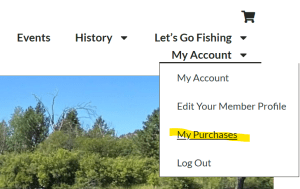
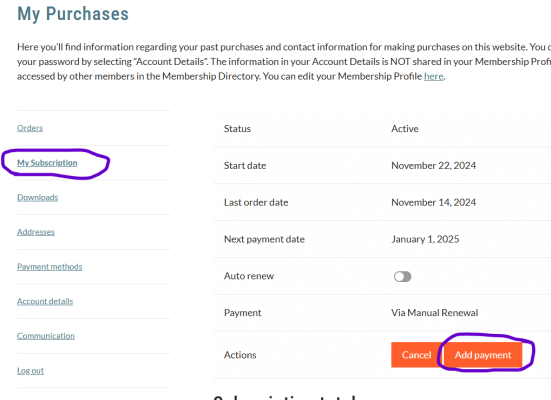
Go to your Subscriptions found in the menu at My Account >> My Purchases >> Subscriptions.
Add a payment method to the subscription by clicking Add Payment Method.
Add your credit card information and click Add Payment Method.
Your subscription is now set to renew on the upcoming renewal date. You can view the renewal date, also called the Next Payment Date, on the Subscription page.
Renewal Process - Detailed Instructions
Step 1 - Set Your Password
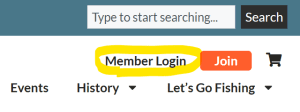
From any page on the website, click the Member Login link at the top right of the screen.
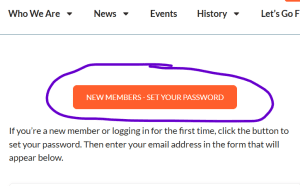
On the Login page, click the button that says “New Members – Set Your Password”.
A new box will display below the button. Enter the email address used on your account in the box and click “Get New Password”.
Check your email for an email from the website. Follow the instructions in the email to reset your password.